最受欢迎的免费开源 PHP 开发环境。一键安装 Apache、MariaDB、PHP 和 Perl。使用专业人士信赖的工具在本地构建、测试和部署 Web 应用程序。
XAMPP 是一个完全免费、易于安装的 Apache 发行版,包含 MariaDB, PHP, and Perl. XAMPP 开源软件包的设置使其非常易于安装和使用 - 使其成为全球 Web 开发者的首选本地服务器解决方案。
无论您是在构建 WordPress 网站、测试 PHP 应用程序还是学习 Web 开发,XAMPP 都在一个轻量级软件包中提供了您所需的一切。无需复杂的服务器配置。
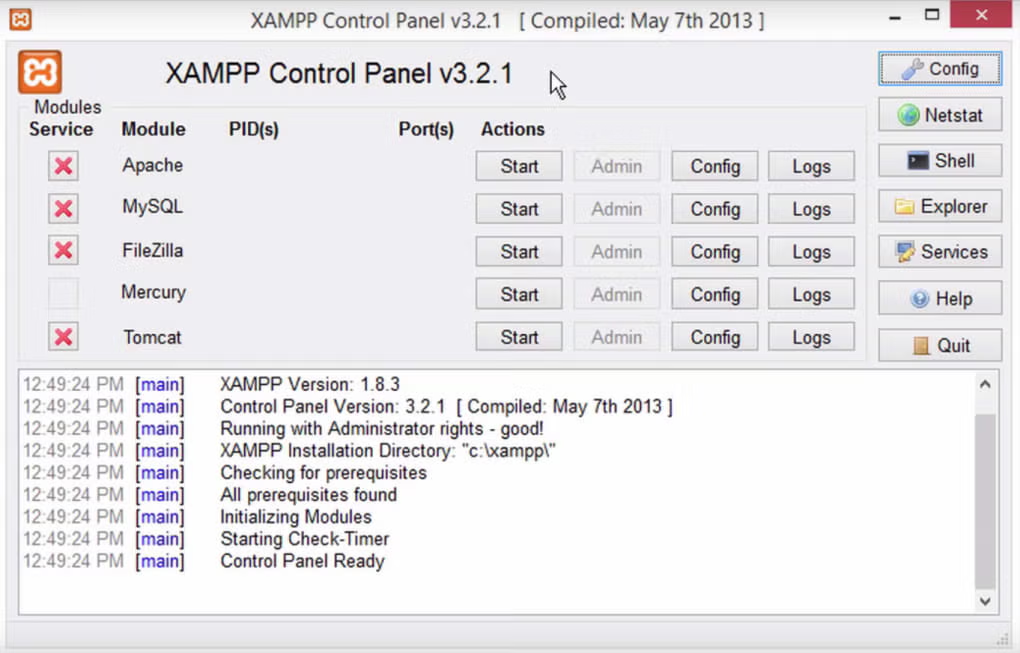
XAMPP Main Application Screenshot - The complete control panel interface
Six powerful components. One seamless experience. No configuration required.
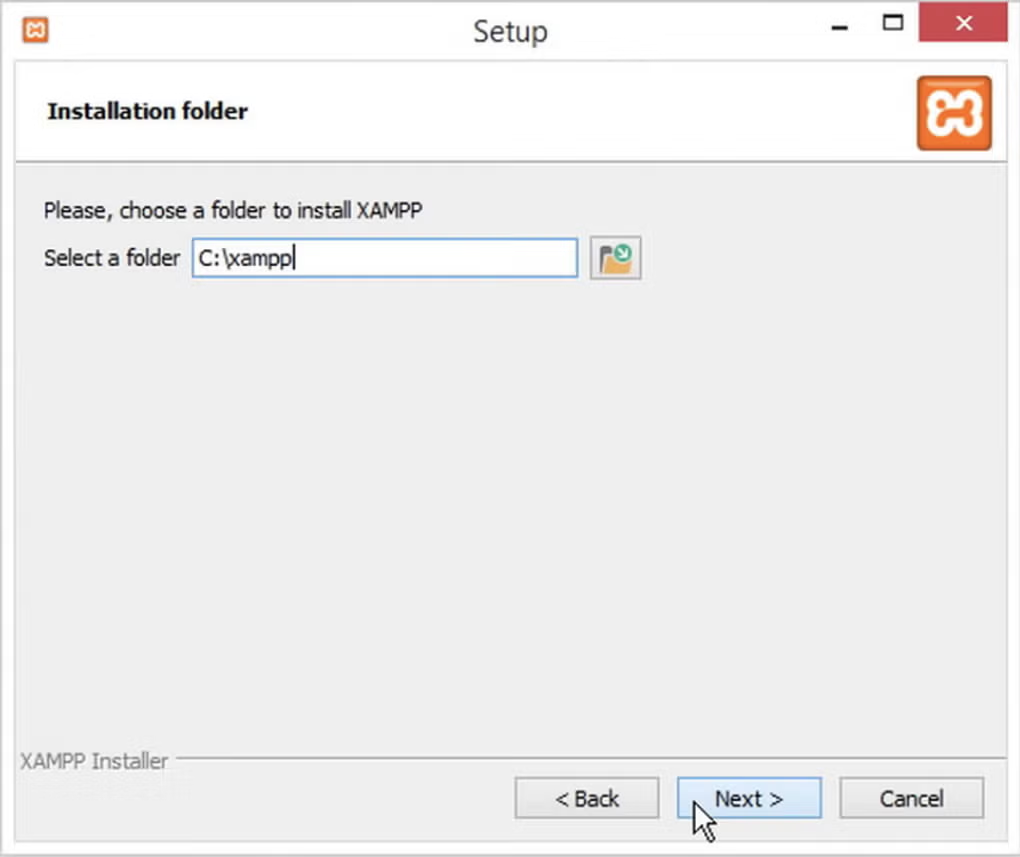
Industry-standard HTTP server pre-configured and ready to run. Start and stop services with a single click.
Learn more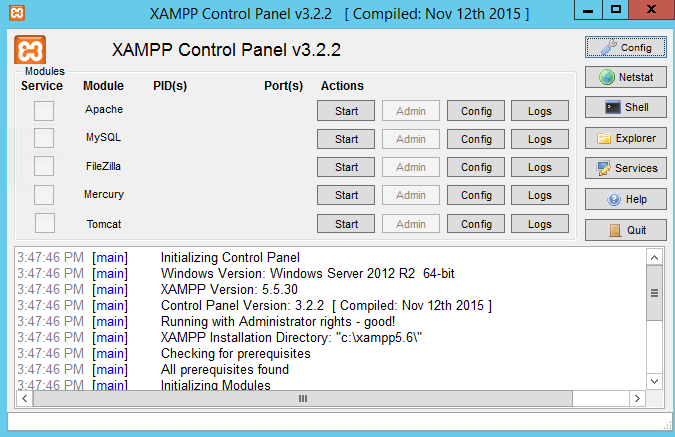
Full-featured relational database with a powerful web-based admin interface for easy management.
Learn more
Apache, MariaDB, PHP, Perl, phpMyAdmin & FileZilla - all in a single installer.
Manage all your services from one clean interface. Start, stop, and configure without touching the command line.
Learn more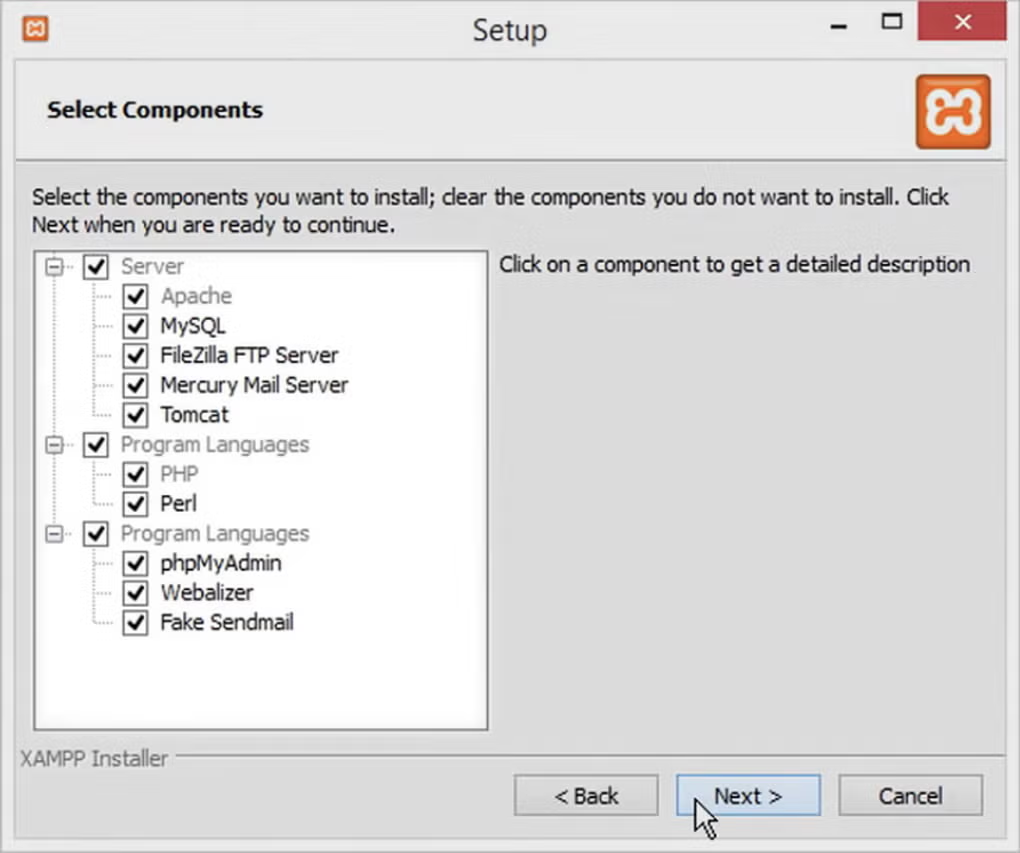
最新 PHP 版本,全面支持模块,外加 Perl 用于旧版应用程序和脚本需求。
Learn more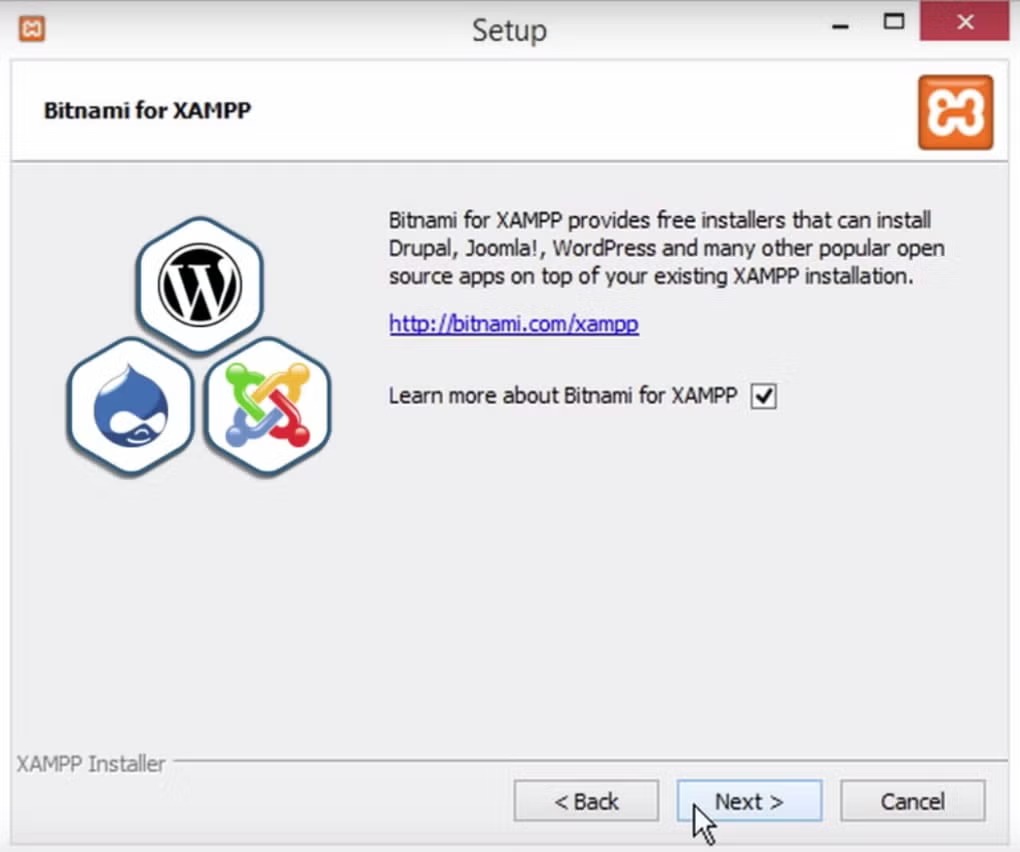
适用于 Windows、Linux、Mac OS X 和 Solaris。在任何操作系统上使用相同熟悉的界面进行开发。
Learn moreXAMPP powers developers, students, and IT professionals across every industry.
Build and test PHP-based applications, WordPress themes, Joomla extensions, and Drupal modules locally before pushing to production. Save hours of deployment time.
Learn web development, database administration, and server management in a safe local environment. No risk, no hosting costs, instant setup for classrooms and self-study.
Test server configurations, reproduce production issues locally, and validate patches before rolling out to live environments. A necessary tool for reliable infrastructure management.
Real screenshots from the XAMPP control panel and Windows interface.
XAMPP on Windows - The main control panel with service status indicators
XAMPP on Windows - Service manager with start, stop, and config options
XAMPP Control Panel Interface - Managing Apache and MySQL services
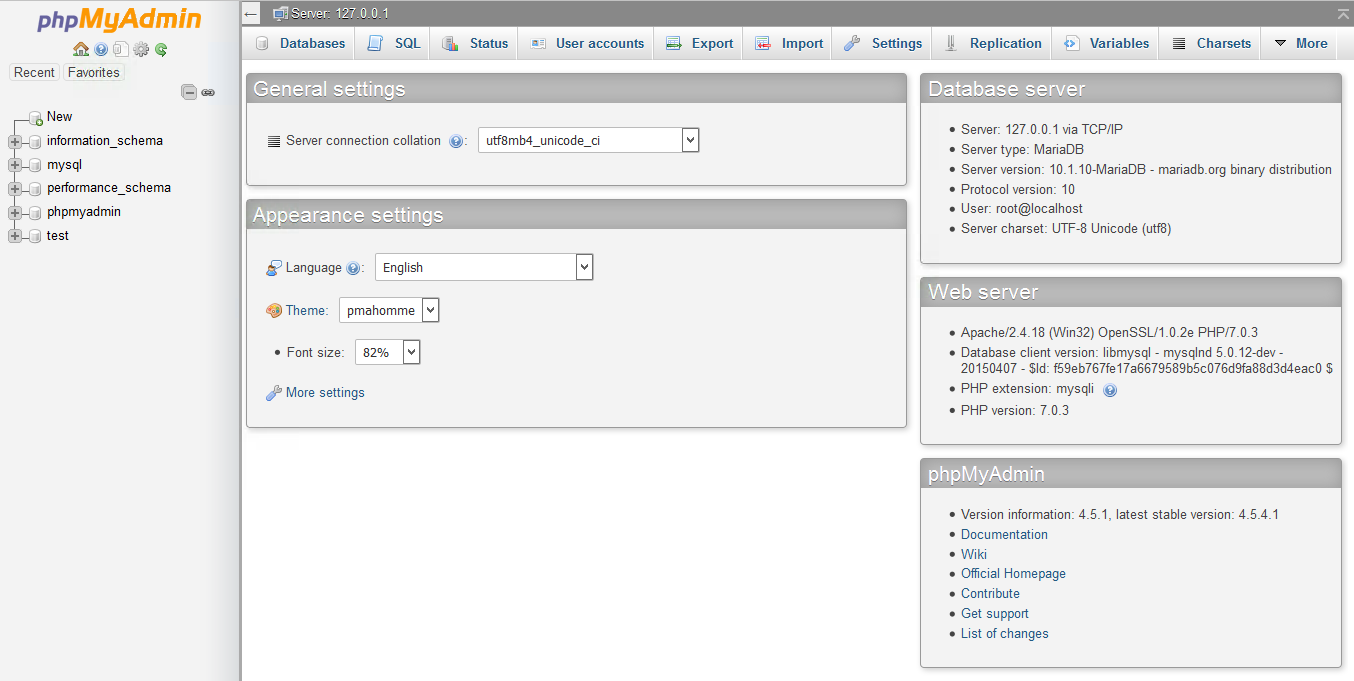
XAMPP Screenshot Dashboard - Complete overview of running services
XAMPP Complete Interface Overview - Full local server environment
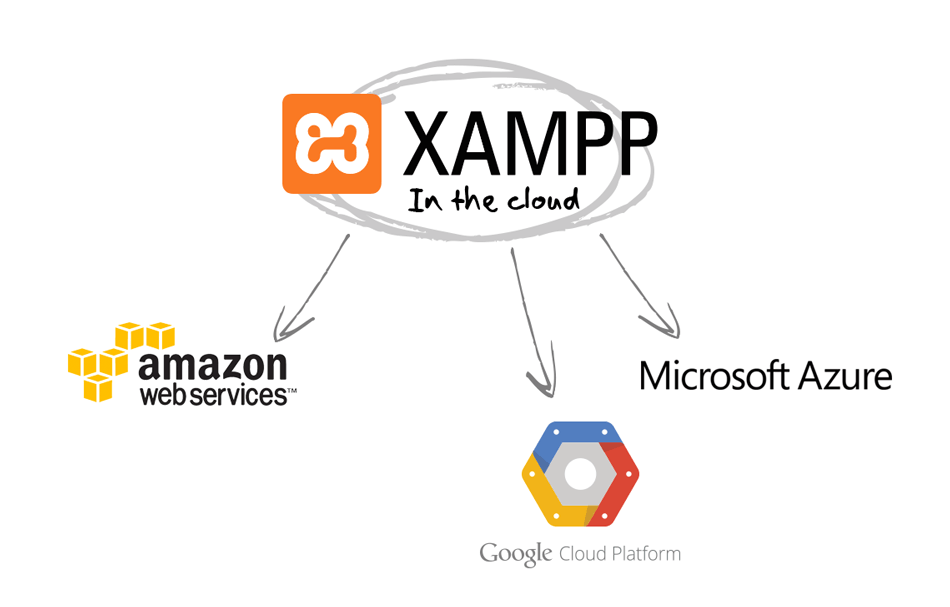
XAMPP Cloud Integration - Extend your local environment to the cloud
Trusted by millions of developers, students, and IT professionals worldwide.
"A very necessary tool for my work. It connects everything that I had to laboriously install before. XAMPP saves me hours of setup time on every project."
— SourceForge Verified User
"Great summary! XAMPP is a simple all-in-one package that installs Apache, MySQL, PHP, phpMyAdmin, and more - making it easy to run and test web applications locally."
— SourceForge Community Member
"Easy installation and setup. Supports PHP, MySQL, and Perl development. Includes phpMyAdmin for database management. Lightweight and flexible for local testing."
— Softonic Review
"I have been using XAMPP for over 5 years for all my local WordPress development. The one-click installer and clean control panel make it absolutely indispensable."
— Web Developer, Freelancer
"A very necessary tool for my work. It connects everything that I had to laboriously install before. XAMPP saves me hours of setup time on every project."
— SourceForge Verified User
"Great summary! XAMPP is a simple all-in-one package that installs Apache, MySQL, PHP, phpMyAdmin, and more - making it easy to run and test web applications locally."
— SourceForge Community Member
"Easy installation and setup. Supports PHP, MySQL, and Perl development. Includes phpMyAdmin for database management. Lightweight and flexible for local testing."
— Softonic Review
"I have been using XAMPP for over 5 years for all my local WordPress development. The one-click installer and clean control panel make it absolutely indispensable."
— Web Developer, Freelancer
Compare XAMPP with other popular local development environments. See why millions choose XAMPP.
| Feature | XAMPP | WAMP | MAMP | Laragon |
|---|---|---|---|---|
| Price | 100% Free | Free | Free / Paid Pro | Free |
| Cross-Platform | Windows, Linux, Mac, Solaris | Windows Only | Mac, Windows | Windows Only |
| Components Included | Apache, MariaDB, PHP, Perl, phpMyAdmin, FileZilla, Tomcat, OpenSSL | Apache, MySQL, PHP | Apache, MySQL, PHP, Python | Apache, MySQL, PHP |
| One-Click Install | Yes | Yes | Yes | Yes |
| Open Source | Yes (GPLv2) | Yes | Partial | Yes |
| Community & Support | 20+ Years, Huge Community | Moderate | Moderate | Growing |
| User Rating | 4.4 / 5 Stars | 4.0 / 5 | 4.2 / 5 | 4.5 / 5 |
XAMPP is developed by Apache Friends, a non-profit project dedicated to promoting the Apache web server. For over 20 years, we have provided a completely free, open-source local development environment with no hidden costs, no ads, and no data collection.
Quick answers to common questions about XAMPP.
Join millions of developers who trust XAMPP for their local web development environment. 下载 the latest version now and get started in minutes.